 FlashStacks
Is there an Anki widget for iPhone?
AnkiMobile doesn't have one. Here's how to get your Anki cards onto your Home Screen and Lock Screen anyway.
Last updated: 23 November 2026
Short answer
No — AnkiMobile doesn't have a flashcard widget for the iPhone Home Screen or Lock Screen (as of November 2026). It's a long-standing request on the Anki forums. To see your Anki cards in a widget, export them from Anki as plain text and import them into FlashStacks, whose widgets let you reveal the answer and move to the next card without opening an app. You can keep doing your main reviews in Anki.
Does AnkiMobile have a widget?
No. AnkiMobile, Anki's official iPhone app, has no Home Screen or Lock Screen widget for reviewing cards. Anki users have asked for one on the official forums — including interactive widgets since iOS 17 made them possible and a simple Lock Screen widget — but it hasn't been added.
How to get your Anki cards on your iPhone Home Screen and Lock Screen
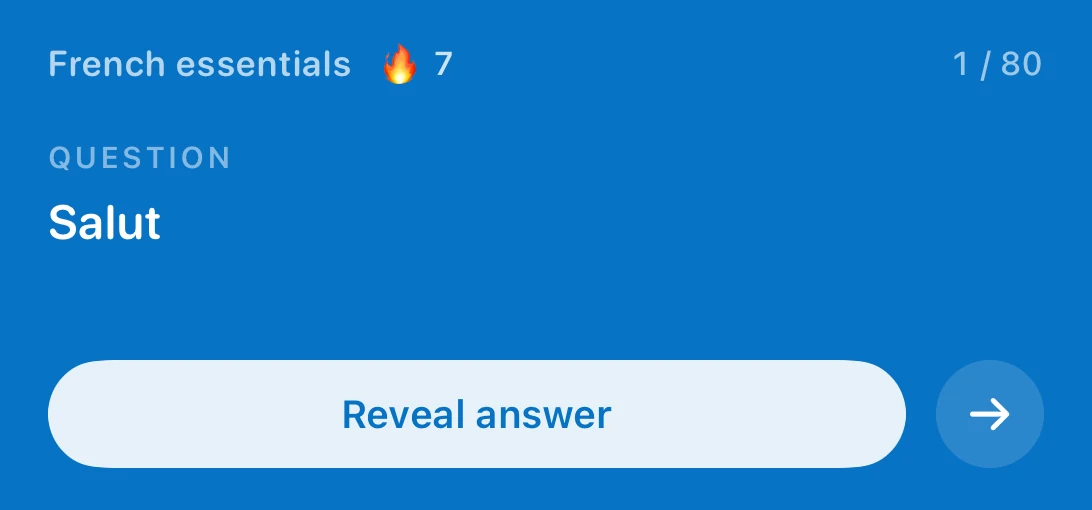
- Export from Anki on a computer. Choose File → Export, pick Notes in Plain Text (.txt), select the deck, untick Include HTML and media references, and export.
- Send the file to your iPhone with AirDrop, iCloud Drive or email.
- Import into FlashStacks. Open or create a stack, choose Import cards and pick the file. The first two fields of each note become the front and back of a card.
- Make it your active stack by tapping the circle at the top right of the stack.
- Add the widget. Home Screen: touch and hold an empty area, tap + (or Edit → Add Widget), search for FlashStacks and choose small, medium or large. Lock Screen: touch and hold the Lock Screen, tap Customise, then add FlashStacks to the widget area.
- Choose how often it changes card — anywhere from every minute to every 4 hours — with Card frequency on the stack's page.
What carries over from Anki — and what doesn't
| From your Anki deck | In FlashStacks |
|---|---|
| Basic front/back cards | Imported as text |
| Cloze deletions | Not supported — cloze notes usually have an empty second field, so they're skipped |
| Images, audio and formatting | Not imported (text only) |
| Image occlusion notes | Not imported — recreate them in FlashStacks' image occlusion editor |
| Review history and scheduling | Not imported — FlashStacks starts its own schedule |
| .apkg / .colpkg files | Not supported — use the plain-text export |
Because the two apps keep separate schedules, the simplest setup is to put a focused subset in FlashStacks — this week's lecture, a vocabulary list, the topic you're weakest on — and keep your full collection in Anki.
What the FlashStacks widget can do
- Home Screen: small, medium and large widgets. Tap to reveal the answer, then go to the next or previous card — all without opening the app.
- Lock Screen: a card in question-only or question-and-answer mode.
- StandBy: cards on your iPhone while it's charging on its side.
- Card frequency: from every minute to every 4 hours.
- Spaced repetition: study sessions in the app use an SM-2-style scheduler — rate Again, Hard, Good or Easy, or swipe.
- Offline: your cards live on your iPhone.
Widgets and spaced repetition are free, with up to 2 stacks. More on how it works: the FlashStacks flashcard widget and FlashStacks vs Anki.
Anki widget — FAQ
Does AnkiMobile have a widget?
No. As of November 2026, AnkiMobile has no Home Screen or Lock Screen widget for reviewing cards, although Anki users have requested one on the official forums.
How can I see my Anki cards on my iPhone Lock Screen?
Export the deck from Anki as Notes in Plain Text, import the file into a FlashStacks stack with Import cards, make it your active stack, and add the FlashStacks widget to your Lock Screen.
Does FlashStacks sync with Anki?
No. The two apps don't sync. You import a text export once; after that, FlashStacks keeps its own copy and its own review schedule.
Will my Anki review history transfer?
No. Only the text of each card is imported. FlashStacks schedules the cards from scratch.
Can I import cloze deletion cards?
Not really. Cloze notes usually have an empty second field, so FlashStacks skips them. Basic front/back cards import best.
Is the FlashStacks widget free?
Yes. Widgets and spaced repetition are free, with up to 2 stacks. Premium adds unlimited stacks, AI decks from PDFs, image occlusion and language packs.
Put your Anki cards where you'll see them
FlashStacks is free to download on iPhone. Import a text export from Anki and add the widget in a couple of minutes.